 Live Chat



.png)





Written by: Joblogic
What is field service management software?
FSM software handles the full job lifecycle, from logging a customer request and assigning the right engineer to completing work on site, recording compliance, and processing payment. It replaces the spreadsheets, paper job cards, and phone-based coordination that grow harder to manage as your business scales.
When all of those stages connect in one platform, your office team and field teams always work from the same, up-to-date information.
For growing businesses, the question is not just what FSM software can do, but what it should cost to do it well. Affordable platforms exist across the market, and many include the core capabilities service businesses need.
Key features to look for in affordable field service software
Understanding what FSM software covers helps you spot what is missing when comparing lower-cost options. Affordable does not mean stripped-back, but some platforms do limit key tools to higher-priced plans.
Here are the core capabilities to look for before you commit to any plan:
-
Job scheduling: assign and reassign work to engineers based on availability, location, and skill, with a clear visual overview of your team's day
-
Mobile app: give engineers job details, compliance forms, and asset histories directly on their phone or tablet, whether or not they have an internet connection
-
GPS tracking: monitor engineer locations and job progress in real time, reducing the need for check-in calls
-
Quoting and invoicing: move from quote to invoice to payment without re-entering data into a separate system
-
Customer portal: let customers log requests, track job status, and approve quotes online, which cuts inbound calls to your office
-
Reporting dashboards: track KPIs such as first-time fix rate, engineer productivity, and job profitability across your business
-
Accounting integrations: connect with tools like Xero or Sage so your financial records stay accurate without manual exports
Before signing up to any platform, check exactly what the base plan includes. Some tools charge extra for asset management or a customer portal, which can make a cheap plan more expensive than a mid-tier option that includes everything upfront.

6 affordable field service management software options for UK businesses
With a clear idea of what you need, comparing platforms becomes far more straightforward. Here are six FSM options suited to UK service and maintenance businesses at different sizes and price points.
Joblogic
Joblogic is an all-in-one FSM platform built specifically for UK service and maintenance businesses. It covers the full job lifecycle, from scheduling and dispatch through to compliance sign-off, invoicing, and payment collection, within a single platform.
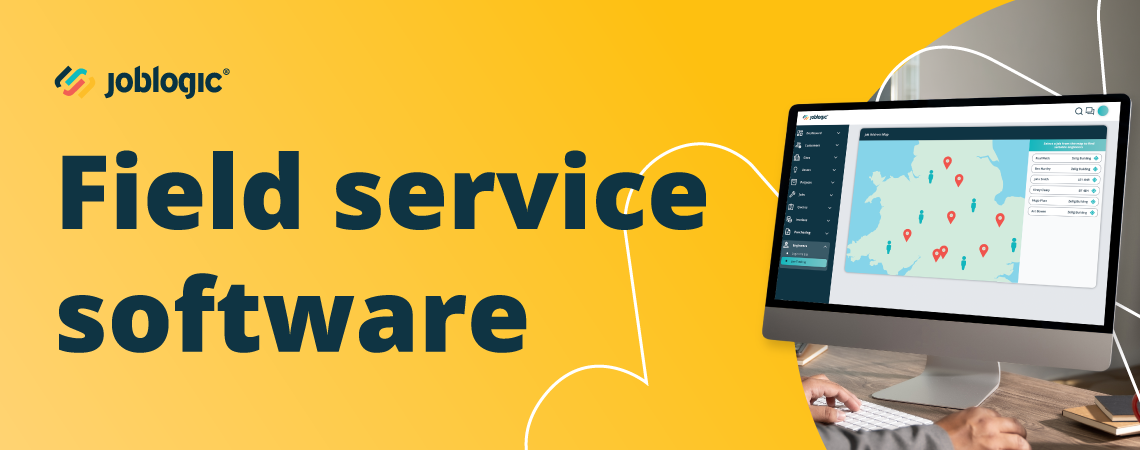
Your office team can schedule jobs using a drag-and-drop planner, track engineers on a live map, and manage assets across multiple sites, all from one dashboard. Engineers receive job details, digital forms, and compliance checklists through a mobile app that works offline. When an ad-hoc job comes in, the platform supports clean information capture from the start: site details, asset links, and any relevant documents are attached before the job reaches the engineer, which reduces failed visits and repeat callouts.
Customers get access to a built-in portal where they can log requests, track progress, and approve quotes without needing to call your office. Joblogic scales from small teams through to large enterprises and is used across HVAC, plumbing and heating, electrical maintenance, and facilities management.
Simpro
Simpro is a job management platform used by trade businesses that run complex work alongside day-to-day reactive jobs. Its key strengths are project costing, purchase order management, and multi-stage quoting for larger contracts where cost control matters.
It suits businesses that need detailed financial tracking across jobs with multiple stages or subcontractors. Review the full module pricing before committing, as costs can increase significantly once you move beyond the base plan.
Jobber
Jobber is a user-friendly option often chosen by smaller service businesses and sole traders. It offers a clean interface, a client hub for customer self-service, and simple quoting and invoicing tools that take little time to set up.
Jobber is North American in origin. Some features and terminology may not align with UK compliance requirements or the contract structures common in British maintenance businesses.
Housecall Pro
Housecall Pro is designed for home service businesses that focus on online booking, automated customer follow-ups, and fast payment collection. Its marketing automation tools appeal to businesses building a large residential customer base.
It may lack the depth needed for UK compliance, PPM contract management, or overseeing assets across multiple commercial sites.
ServiceM8
ServiceM8 is a lightweight, mobile-first platform aimed at small field service teams that want a simple, fast-to-deploy system. It integrates with Xero and works well for businesses moving away from paper job cards for the first time.
It may not scale well once you start managing planned preventive maintenance (PPM) contracts, larger engineering workforces, or complex asset registers spanning multiple locations.
Kickserv
Kickserv offers a free tier for very small teams covering basic scheduling, invoicing, and customer record management. It is a practical starting point for businesses that are not yet ready to invest in a paid plan.
The free plan is limited in scope and does not include the compliance, asset management, or contract tools that most growing UK service businesses need. Paid plans expand the feature set, but the platform may still fall short for businesses in regulated trades.
Field service management software comparison
Seeing all six platforms alongside each other makes it easier to quickly identify which fits your business type, team size, and budget.
| Platform | Best for | Key strength | Mobile app | UK-focused | Pricing |
|---|---|---|---|---|---|
| Joblogic | UK service and maintenance businesses of all sizes | End-to-end job lifecycle with compliance and asset management | Yes | Yes | Tiered, per user/month |
| Simpro | Trade businesses with complex projects | Project costing and multi-stage quoting | Yes | Partial | Tiered |
| Jobber | Small teams and sole traders | Simple interface and fast setup | Yes | No | Tiered, per user/month |
| Housecall Pro | Home service businesses | Online booking and automated marketing | Yes | No | Tiered |
| ServiceM8 | Small mobile-first teams | Lightweight and easy to learn | Yes | Partial | Tiered |
| Kickserv | Very small teams on a tight budget | Free plan available | Yes | No | Free and paid tiers |
How to choose the right field service software for your business
Choosing the right FSM software starts with a clear picture of how your business actually works. Map your workflows from job intake through to payment, then check whether each platform on your shortlist covers those stages without requiring extra modules or separate tools. Think about the mix of work you handle: reactive ad-hoc jobs, quoted remedial work, and ongoing PPM contracts all have different operational demands, and your software needs to handle them without manual workarounds.
Use these questions to guide your evaluation before you commit:
-
Does it fit your team size and growth plans? Choose a platform that works for your current team and scales as you add engineers and take on more contracts.
-
Is it built for the UK market? Look for UK tax support, British terminology, and integrations with tools like Xero or Sage.
-
Is the mobile app reliable offline? Your engineers will use it every working day, so it needs to work without a reliable internet connection and be straightforward to navigate on site.
-
What does support look like after you sign up? Good onboarding, training resources, and accessible ongoing support are part of the real cost of any platform, not just the monthly fee.
-
Are there costs that are not obvious from the pricing page? Some platforms charge extra for asset management, customer portals, or additional users, so ask before you commit.
If you want to see how Joblogic fits your specific workflows, book a demo and speak with a specialist who can walk you through the platform in the context of your business.
Frequently asked questions
What does FSM software do on a daily basis?
FSM software manages the full cycle of a service job from the moment a customer request is logged to the point the invoice is paid. Your office team schedules work and tracks progress from a dashboard, while engineers receive and update job details through a mobile app.
What is the difference between free and paid field service software?
Free plans typically cover basic scheduling and invoicing for very small teams, but they rarely include asset management, compliance tools, or a customer portal. Paid plans, even at a lower price point, give you the depth of features needed to run a growing service operation without manual workarounds.
What should small UK field service businesses look for when choosing FSM software?
Small businesses should prioritise platforms that are quick to set up, easy to use on mobile, and priced per user so monthly costs stay proportional to team size. Choosing a platform that scales from the start avoids the cost and disruption of switching systems as your business grows.
How does field workforce management software differ from field service management software?
Field workforce management software focuses specifically on scheduling, time tracking, labour costs, and engineer performance. FSM software covers a broader job lifecycle including quoting, invoicing, asset management, and customer communication. Many platforms, including Joblogic, combine both in one system.
Does affordable FSM software support planned preventive maintenance contracts?
PPM means scheduling regular, recurring maintenance visits before equipment fails, rather than reacting after a breakdown. Not all affordable FSM platforms include PPM contract support, so if you manage service contracts, check for it specifically before committing to a plan.