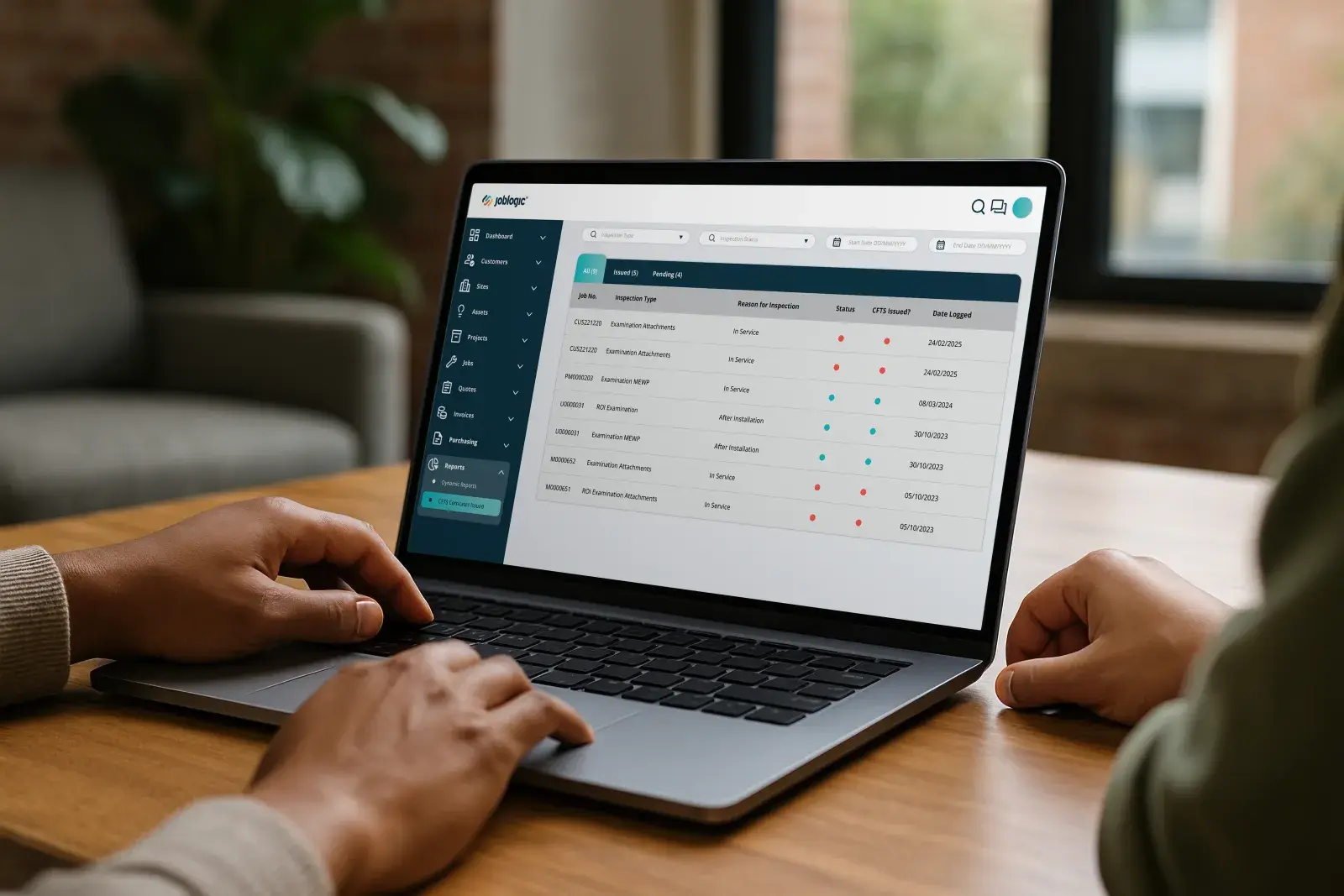
A multi-site FM portfolio view on a laptop beside a plant room in the background — PPM schedule, SLA status and certificate state visible across several sites at once.

Equipment repair and maintenance

Every asset serviced. Every part tracked. Nothing runs unplanned.

Equipment repair and maintenance runs on two clocks: the planned visit and the breakdown that wasn’t. Both pull on the same engineers and the same parts, and the unit’s service history usually lives across old job sheets and memory, not one record.

Joblogic gives Service Managers, Operations Managers and Finance Managers one system for asset history, planned maintenance and parts, so the engineer arrives with the part already checked and the PPM visit doesn’t get bumped by the next callout.

Equipment repair and maintenance fights four problems

Reactive callouts, planned visits and parts all pull in different directions until something fails first.

No record of what’s actually been done

You plan the next service visit from memory and an old spreadsheet, so the compressor that’s been struggling for months fails on the one week nobody’s watching it.

Planned visits that keep getting bumped

A breakdown call comes in and the planned service visit gets pushed to next week, then next month, until the unit fails from the maintenance you never got to.

Engineers arrive without the part

Nobody checked stock before the van left, so the first visit becomes a diagnosis and the second visit becomes the actual repair, and the customer waits twice.

No proof when a warranty claim is disputed

A manufacturer disputes a warranty claim or a client questions why a unit is being replaced, and you can’t produce the service history to back up either decision.

Where equipment repair and maintenance connects to risk

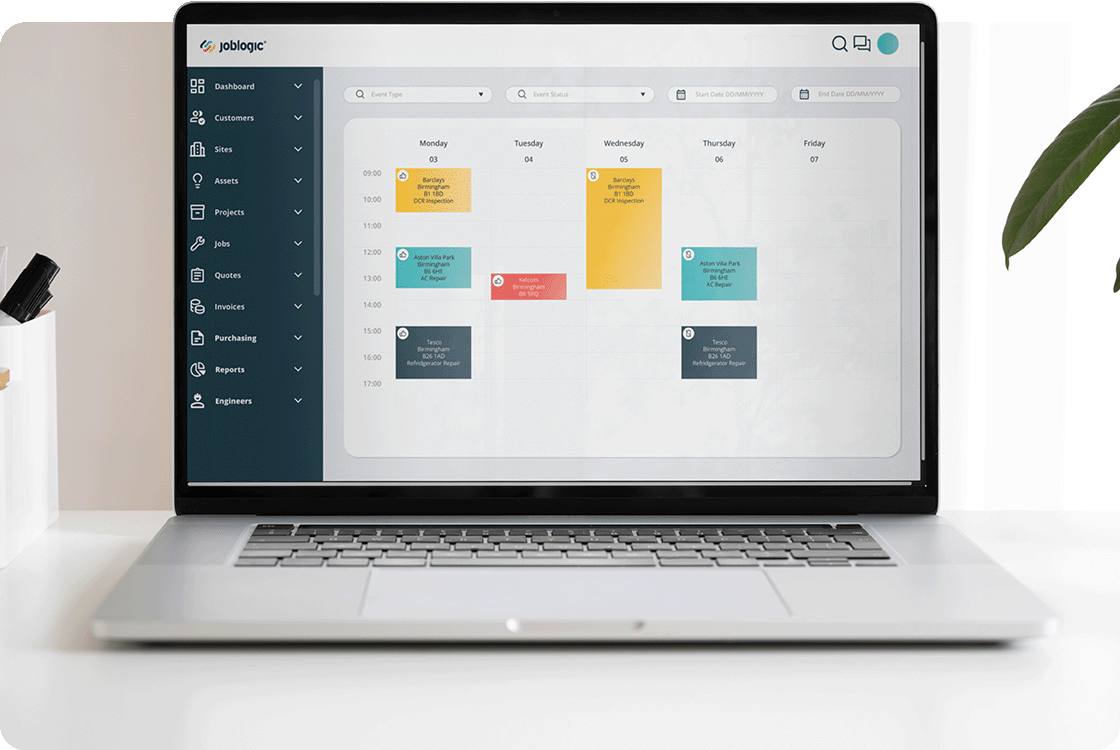
Laptop on a desk showing the Joblogic scheduling calendar with coloured job cards in a weekly view

Balance planned visits against callouts

Keep the PPM schedule visible next to reactive jobs, so a planned service visit doesn't quietly get bumped every time a breakdown call comes in.
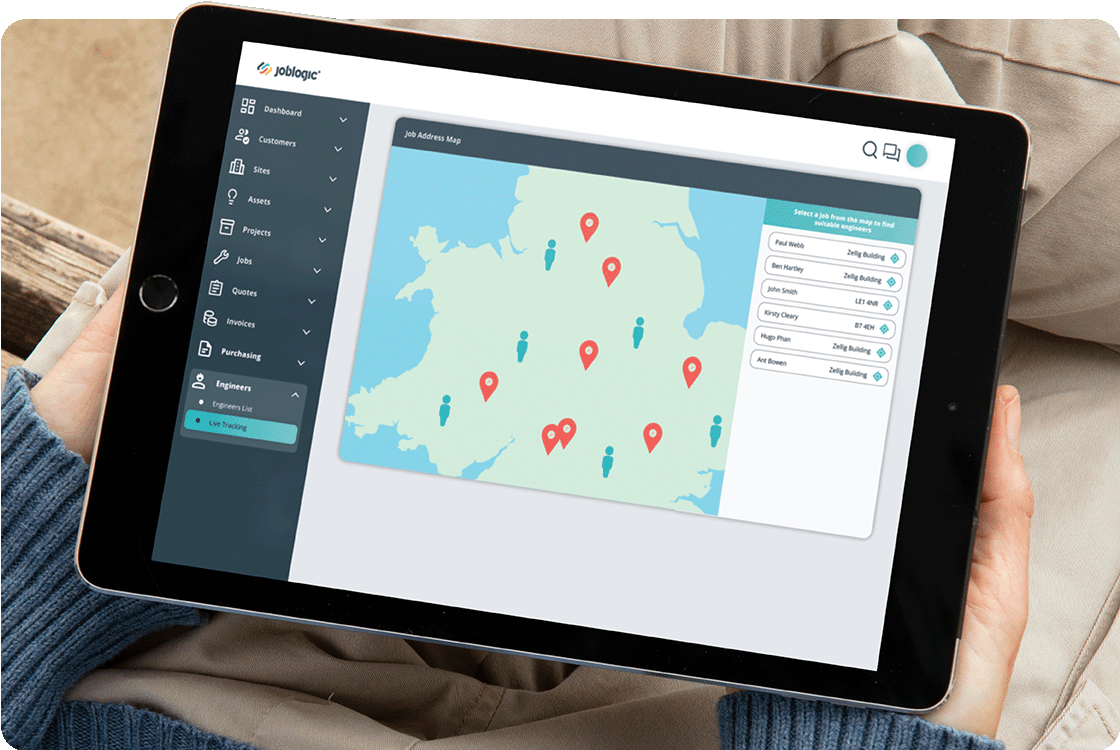
Person holding a tablet showing the Joblogic job map view with location pins on a UK map and a job list panel

See every unit without a status call

Check the state of any asset, engineer, or job across every client and site from one screen, not a round of calls.
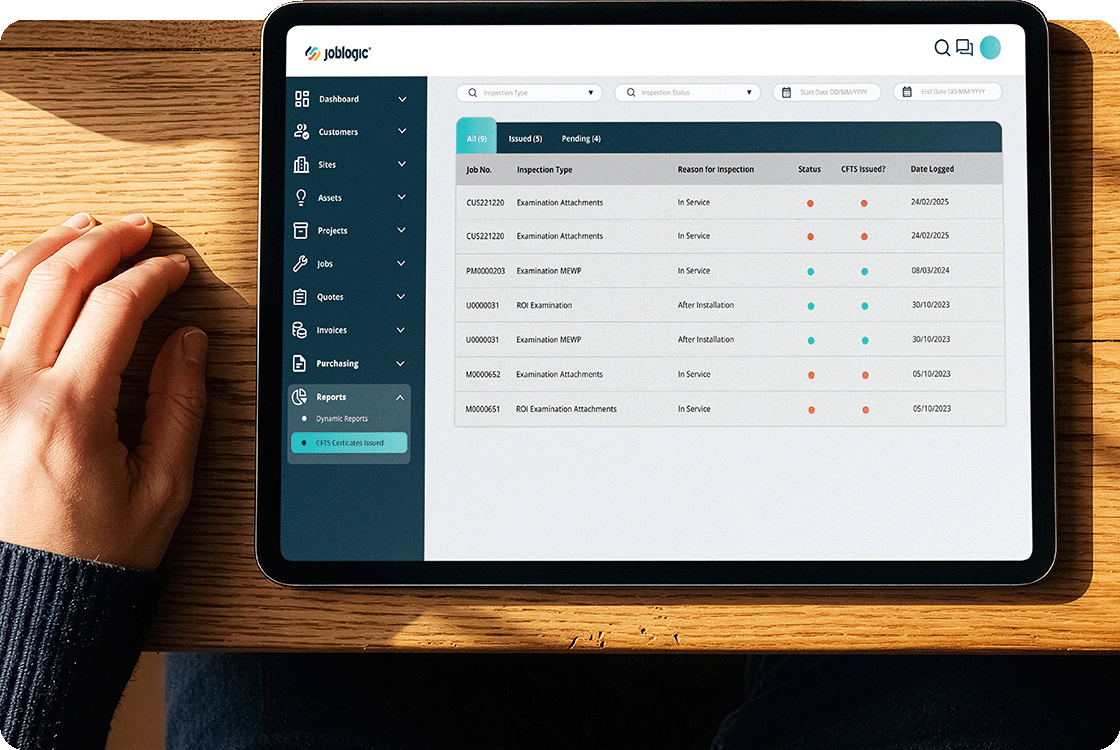
Hand resting on a desk beside a tablet showing a Joblogic job list table with columns for job status and compliance

Trust the service history you're reading

Every visit, part, and technician note attaches to the asset the moment the job closes, so the record you check is the record that happened.
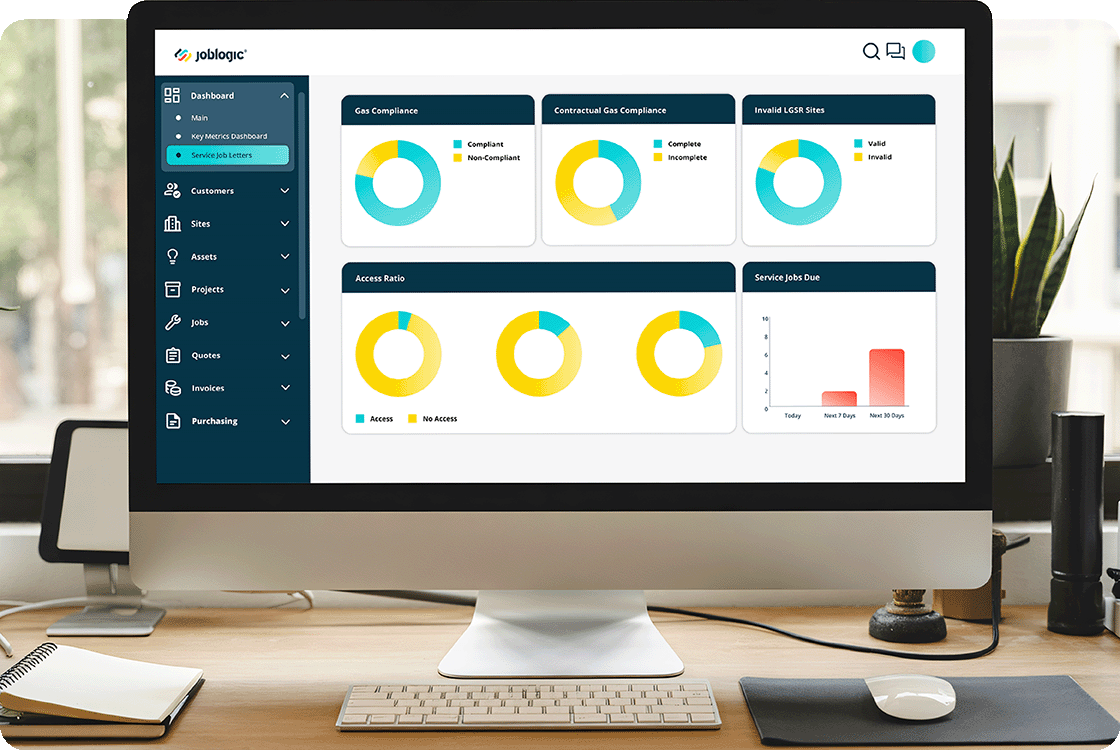
Desktop monitor on a desk showing the Joblogic reporting dashboard with multiple donut charts and a bar chart for KPI metrics

Stop parts costs quietly eating margin

See parts and labour cost against every job as it runs, so a repair that's quietly losing money gets caught before invoicing, not after.

Male IT engineer in a blue shirt holding a laptop in a server room with racks of network cables and equipment

Connect repair data to your other systems

Pass job, asset, and cost data straight into your accounting and parts supplier systems, so nobody re-keys the same record twice.

One system for the whole equipment fleet

Every asset, every visit and every part, tracked from callout to invoice in one place.

Never work on a unit blind

Every unit gets its own record: manufacturer, model, install date and every visit logged against it, so the engineer sees exactly what’s been done before they touch the equipment.

Stop planned visits losing to callouts

PPM schedules generate automatically per asset and per contract, so a planned service visit doesn’t get quietly bumped every time a reactive callout takes priority.

Never send a van without the part

Live parts availability sits inside the job itself, so the engineer and the planner know what’s in stock before a van gets sent for a repair that can’t finish.

Answer a warranty dispute in one export

Full service and repair history exports per asset, per client or per contract, so a warranty dispute or a replacement budget conversation starts from a record, not memory.

A new contract doesn’t mean starting over

Every client, site, and equipment type sits in one register, so a new contract or a new class of equipment doesn’t mean rebuilding how you already track the rest.

Service history. Proven.

Every service visit, part used and technician note attaches to the asset the moment the job closes, stored against that unit in one system, not a filing cabinet.

When a client or an insurer asks for the service history behind a breakdown or a warranty claim, you export the record instead of ringing round for old job sheets.
Compliance dashboard showing certificate status — valid, expiring, overdue — across every site
+25%increase in first-time fix rates, cross-vertical
95%reduction in paperwork, cross-vertical
+40%workforce productivity boost, cross-vertical

What this means for your team

Who this touches depends on how big your operation is. A five-person repair outfit runs everything through one person; a multi-branch operation splits it across a full team.

Business Owner

You run repairs, parts, invoicing, and warranty evidence yourself. Joblogic keeps the service record straight even when you’re the only one keeping it.

See how it works for owners

Service Manager

You dispatch the engineer who’s actually free and actually has the part, and see the visit close out with the service record attached, not chased up later.

See how it works for service managers

Finance Manager

You track parts and labour cost against every job as it runs, so a repair that’s quietly losing money gets caught before it’s invoiced.

See how it works for finance leaders

Stock Manager

You need every van stocked with the part it needs before it leaves, across every branch. Joblogic checks real parts availability against the job, and reordering runs from a threshold, not memory.

See how it works for stock managers

Fleet Manager

You dispatch vans between planned visits and callouts across every branch. Joblogic tracks vehicle location, mileage and MOT dates alongside the jobs they’re running to, so compliance doesn’t slip quietly.

See how it works for fleet managers

Engineers use it on the job, not around it

Across the Joblogic customer base, 80% of engineers use the mobile app day to day, a cross-vertical figure that holds for equipment repair and maintenance teams too. On site, engineers check part availability, log what they used and capture before and after photos against the asset record. Adoption isn’t the risk here; the paperwork habit it replaces is.

An engineer in a hard hat and hi-vis vest checking a phone in a plant room

Fits the systems and suppliers you already use

Connects to the accounting and parts systems you already run, and scales from one branch to a national network.

Accounting and parts systems

Integrates with accounting platforms including Xero, Sage, and QuickBooks, plus Parts Arena for live parts availability and supplier ordering.

Branches, clients, and sites

Team structures and permissions split by branch, region, or client account, so reporting stays accurate as the operation adds sites.

Warranty and service records

Tracks service intervals against manufacturer schedules and, where equipment falls under LOLER, PUWER or PSSR, keeps the inspection record against the asset itself.

Equipment repair questions

Can it stop an engineer turning up without the part?

Not entirely, and we won’t claim otherwise. Live parts availability and stock levels sit inside the job before it’s dispatched, so the planner and the engineer both know what’s available. If the part genuinely isn’t in stock or with a supplier, no system can put it in the van; you’ll still see that gap before the van leaves, though.

Does it work across every equipment type we service?

Yes. The asset register isn’t built around one manufacturer or one category. Every unit, whatever it is or whoever makes it, gets its own record: service history, parts used and every visit logged against it in the same system, alongside everything else you service.

Does this replace how we already order from suppliers?

No. Parts Arena integration connects to live supplier stock and pricing, so ordering sits inside the job. It doesn’t replace your supplier accounts or force you onto a different parts network; it just puts availability where the planner and engineer can already see it.

Can subcontracted engineers log jobs without full access?

Yes. Subcontracted engineers get a portal scoped only to the jobs and assets you assign them. They log service visits and parts used there; they don’t see your other clients, your other contracts or your commercial data at all.

How do we prove a unit was serviced on schedule?

Every service visit attaches to the asset the moment the job closes, with the date, the technician and the parts used against it. If a client, an insurer or an inspector asks for the history behind one unit, you export the record instead of chasing old job sheets.

Does this work for one branch or several regions?

Both. The same asset, PPM and parts structure holds whether you’re running one branch or several regions. Team structures and permissions split by branch or region as the operation grows, so oversight doesn’t get harder as the equipment fleet does.

See it across your equipment

Thirty minutes on your equipment: full service history against every asset, planned maintenance that doesn’t get bumped by reactive callouts, and parts availability tracked before the van leaves.