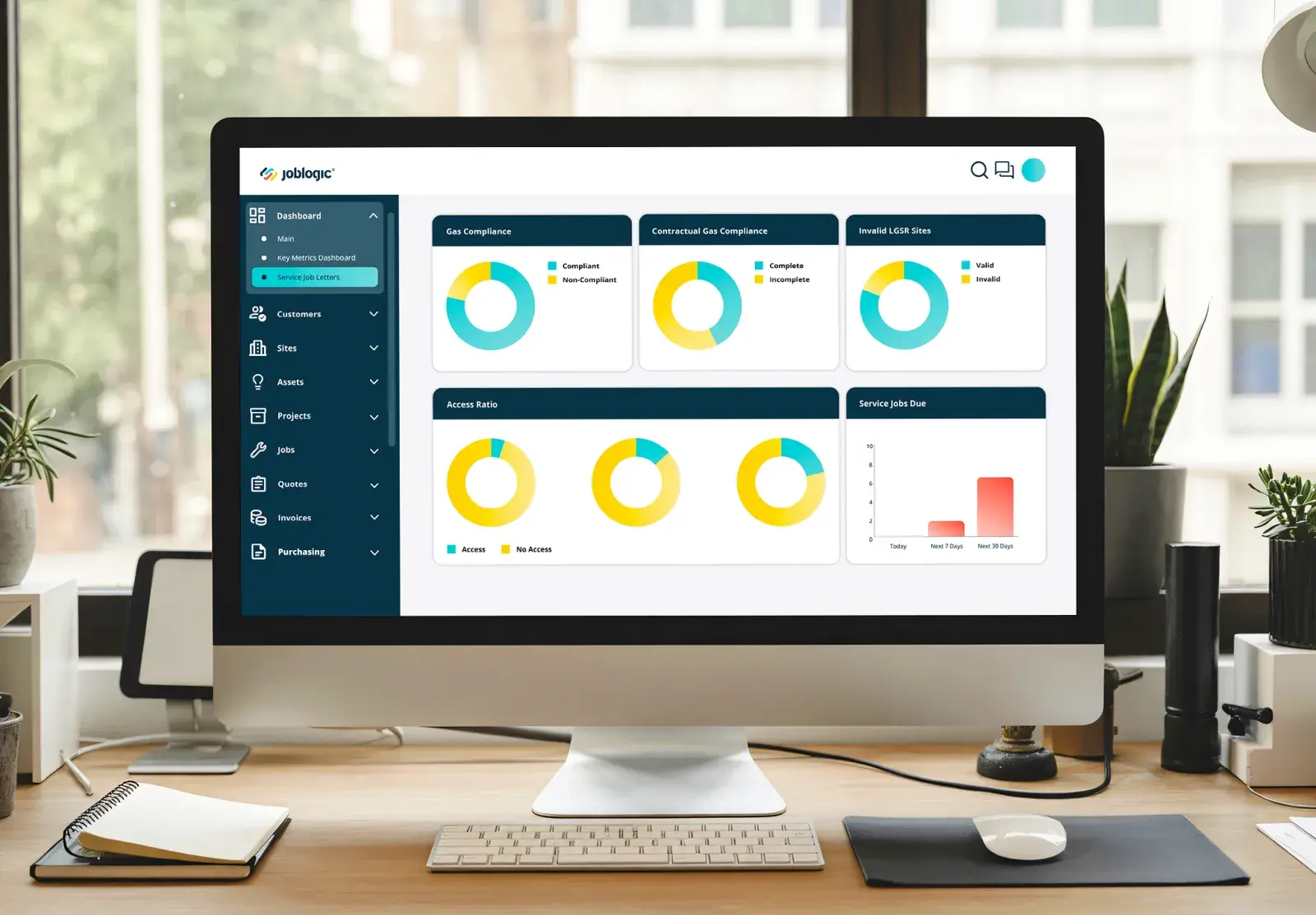
Premium dashboard, live view

Challenge · Connected systems

We’ve got five systems, and none of them talk

Scheduling lives in one app, quoting in another, accounts in a spreadsheet nobody else can open. Each tool got picked to solve one problem at the time. Nobody notices the gaps until a customer disputes an invoice, or a report needs numbers that live in three places at once.

Joblogic connects job management, scheduling, compliance, quoting, invoicing and accounts in one system, so information typed once doesn’t need typing again somewhere else. What becomes visible is which numbers were actually accurate all along, and how much time was spent reconciling ones that weren’t.

How fragmented are your systems right now?

Enterprise

At multi-site or multi-brand scale, every site or acquired business runs its own stack: its own finance system, its own job records, its own way of reporting. Head office spends weeks each month merging exports before anyone can see one true number for the group.

Enterprise

Growing business

As the team grows, more tools get bolted on to solve whatever problem came up that month: another quoting tool, a separate accounts package, a scheduling spreadsheet somebody built themselves. None of it was designed to work together, and everyone reads different numbers.

Growing business

Small business

For a small team, it’s a handful of apps you picked one at a time: a scheduling app, a spreadsheet for jobs, separate software for invoices. Nobody built it as a system, so you’re the one typing the same job into three places.

Small business

Enterprise

By the time head office finishes merging the numbers from every site’s own system, the month they describe has already closed

IT technician using a laptop in a server room with server racks in the background

Every acquisition brings its own tech stack

A business acquired two years ago is still running its own finance system and its own job records, because nobody’s had the time or the budget to migrate it onto the group standard, so head office reports on two versions of the truth.

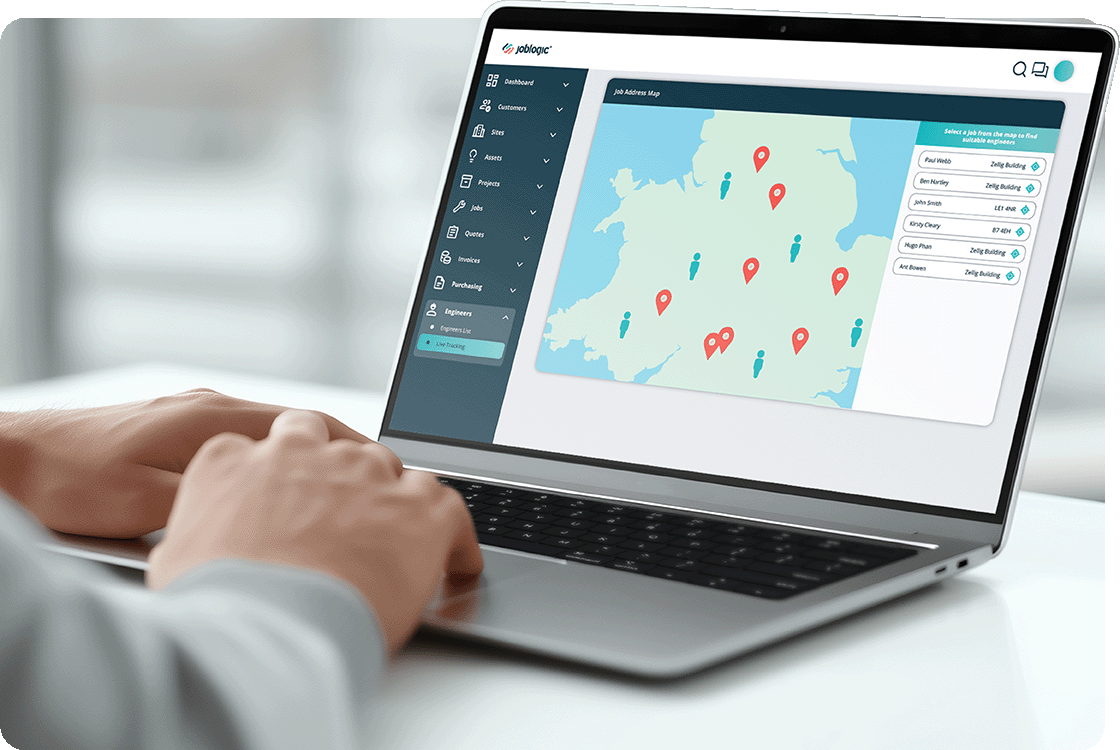
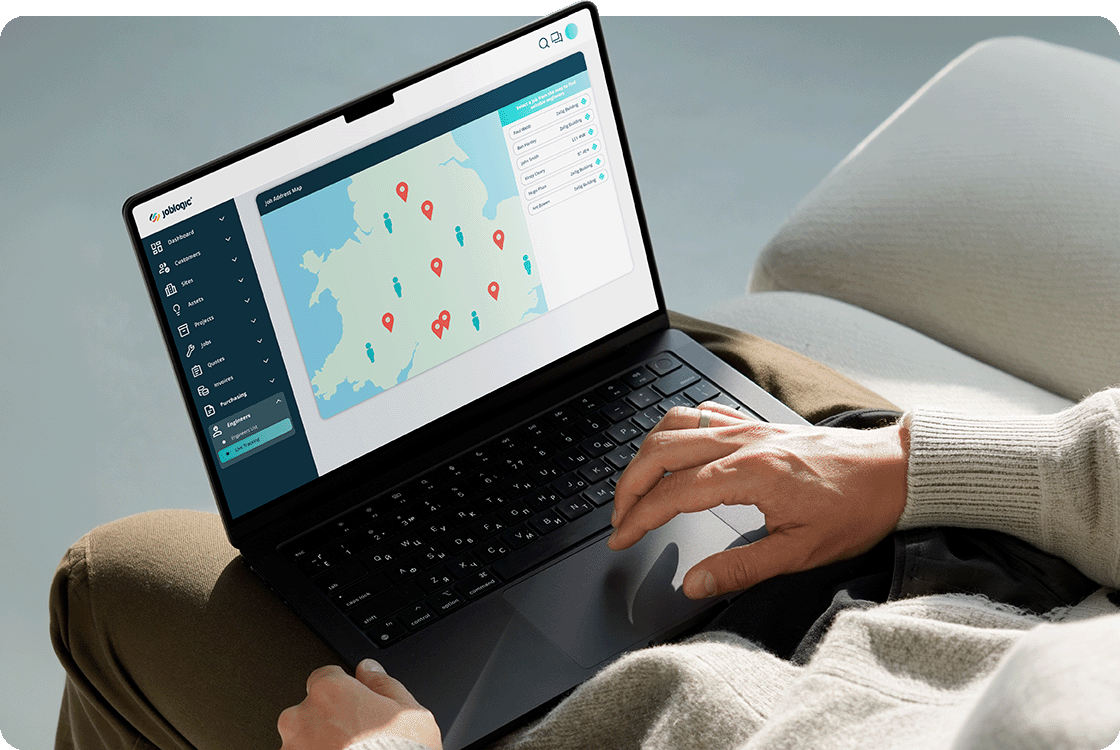
Hands on a laptop keyboard with the Joblogic engineer location map open on screen

Group reporting means reconciling five exports

Producing one group number means pulling an export from every site’s separate system, lining them up by hand in a spreadsheet, and hoping nothing was updated in one system after the export was taken from another.

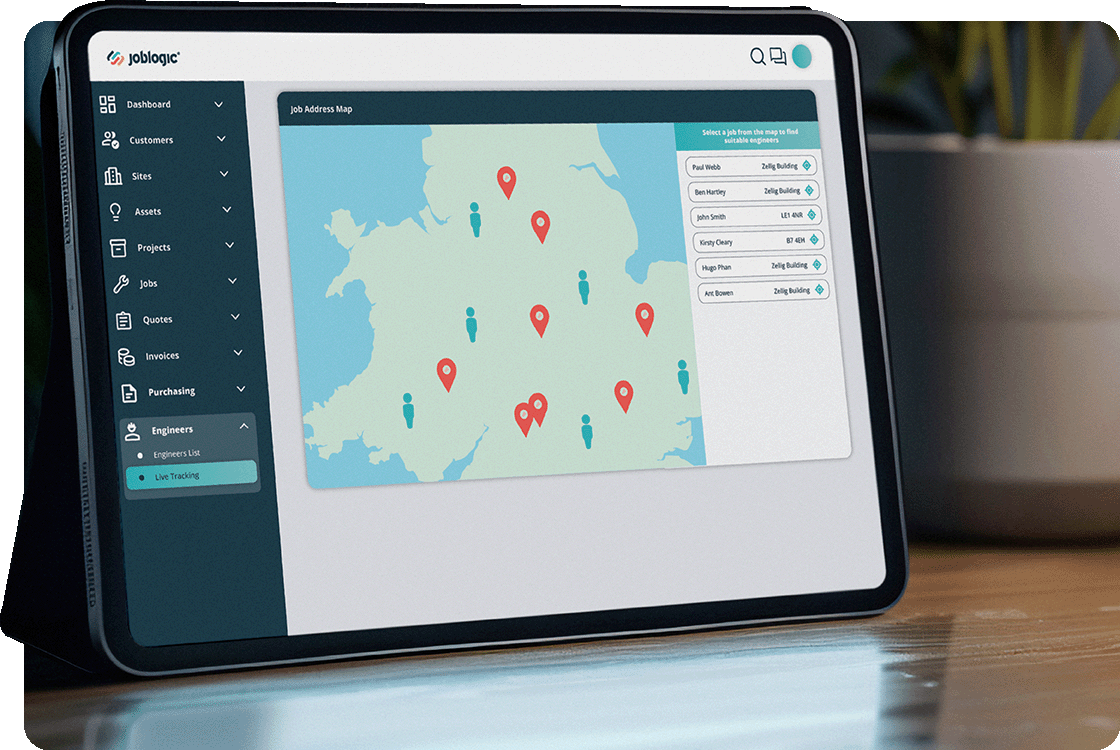
iPad on a desk showing the Joblogic engineer location and job map

A local fix somewhere becomes a group-wide risk

One site quietly patches a gap between two systems with a workaround nobody documents. When that workaround breaks, or the person who built it leaves, the whole site’s reporting stops without warning anyone at head office.

One system standard, held across every site

Every new site inherits the group standard

Every contract carries its own reporting and billing rules, applied the same way at every site attached to it, so a newly acquired or newly won site inherits the group standard instead of inventing its own.

This month’s numbers, not last month’s exports

Every site’s job, finance and compliance data feeds the same group dashboard, so head office sees this month’s numbers from the whole estate instead of waiting for someone to merge last month’s exports by hand.

Stop reconciling five separate exports

Every site’s completed jobs post into the same group finance system automatically, so head office reconciles one connected dataset instead of chasing a different export or a different accounts package from every region.

One asset register, wherever it moves

Asset records and service history sit in one register across the whole estate, so an asset that moves between sites or a compliance record an auditor asks for doesn’t depend on which local system happened to log it.

99.99%platform uptime guarantee across multi-site deployments
£6.5m to £20mmaintenance department turnover growth, East West Connect

Ready to run the same system across every site?

One conversation about your operation. A clearer view of what comes next.

Growing business

More jobs are moving through more tools every week, and nobody has time to reconcile them all anymore

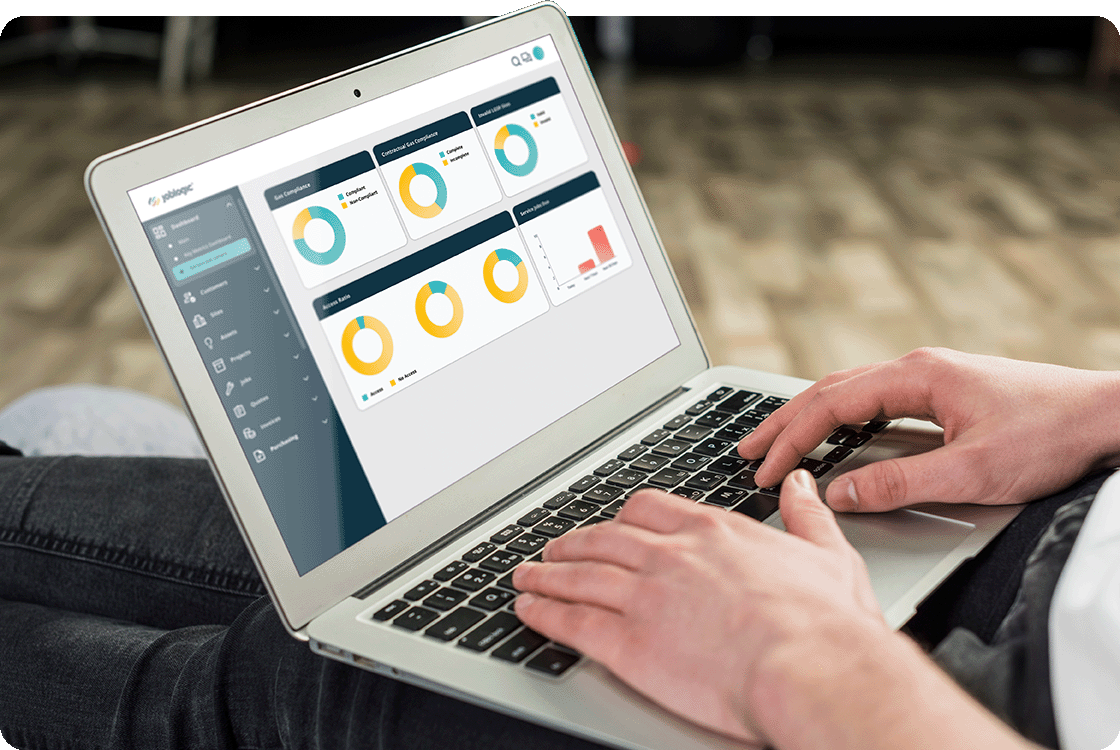
Person using a laptop on their lap with the Joblogic reporting dashboard open

Five people, five different systems

Your quoting person uses one tool, your scheduler uses a shared spreadsheet, and your bookkeeper works from a separate accounts package. Every handover between them means someone re-entering what the last person already typed.

Two engineers in hi-vis and hard hats reviewing a laptop together on a rooftop plant area with HVAC equipment

Nobody’s sure which number is current

Finance pulls a figure from the accounts system, operations pulls a different one from the job board, and both are technically right because they’re reading from tools that were never built to agree with each other.

Engineer in yellow hi-vis, hard hat and safety glasses using a tablet in a warehouse with coloured racking

Growth just means one more tool to manage

Every time the business takes on more work, the answer is another piece of software rather than making the ones you’ve already got talk to each other, so the pile of disconnected tools just keeps growing with you.

The same system, whoever’s doing the job that day

What you quoted matches what it cost

Cost data set at the quote stage carries through automatically to the finished job, so a job costed by one estimator lines up with the actuals an entirely different engineer records on site, whoever’s involved.

Month end without chasing five job lists

Every job the whole team completes posts to your accounting software the same way, so month end doesn’t depend on one person remembering to check five different job lists before the figures add up.

Stop ringing round for a job’s status

Whoever’s running a job, its status sits in one shared view, so the office can see where a job stands across the whole team without ringing round or waiting for someone to update a spreadsheet.

Customers check their own job status

Customers check job status and certificates themselves through the portal, so the answer doesn’t depend on which member of a bigger team happens to pick up the phone that day.

+25%increase in job logging efficiency, Parr FM
90%customer satisfaction

Ready for systems that agree with each other?

One conversation about your operation. A clearer view of what comes next.

small business

Every app does one job, and I’m the one connecting them all by hand

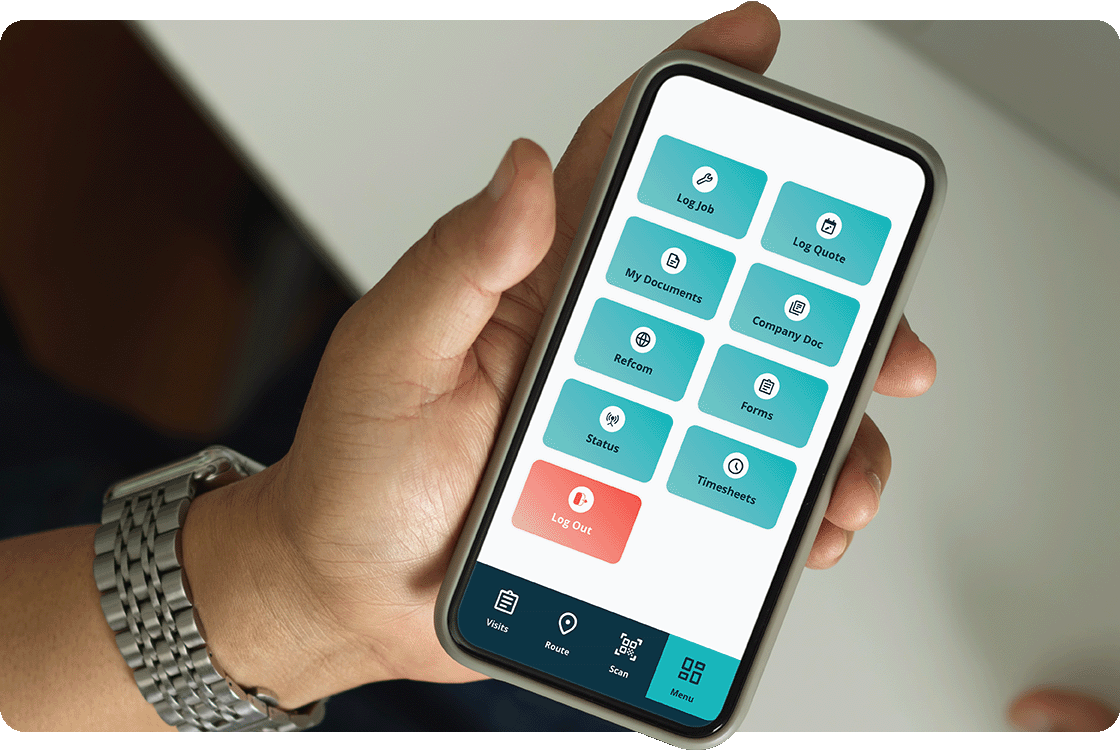
Hand holding a smartphone displaying the Joblogic mobile app home screen

Re-typing the same job three times

You quote the job in one app, write it on a whiteboard or spreadsheet to schedule it, then type it again into your invoicing software once it’s done. Every version is a chance to get a detail wrong.

Two hands tapping a smartphone showing the Joblogic mobile app home screen

Accounts don’t match what actually happened

Your accounting software doesn’t know about the job until you sit down and enter it yourself, usually days later. By then you’re guessing at details you’d have got right on the day.

Person with laptop on their lap using Joblogic, showing the engineer location map

One customer, three different records

A regular customer’s history sits partly in your invoicing app, partly in an old spreadsheet, and partly in your own memory, so you can never pull up the whole picture in one place when they call.

One place for the job, the quote and the bill

The quote becomes the job itself

The quote you send becomes the job record itself once it’s accepted, carrying price and scope with it, so you’re not writing the same details into a second system before you start the work.

Invoices arrive already filled in

A finished job turns into an invoice with the details already filled in, so raising it doesn’t mean opening a separate piece of software and starting again from a blank page.

Stop entering the same figures twice

Your accounting software picks up the finished job on its own once it’s invoiced, so you’re not entering the same figures twice into two systems that were never talking to each other before.

Payments land against the right job

The customer pays straight from the invoice through a link, so the payment lands against the right job automatically instead of arriving in your bank account as a mystery you have to match up yourself.

Thanks to Joblogic we can drill down easily on jobs and quotes. The software also links easily to accounting software, which reduces a lot of the information needing to be input manually.

Julie PickinOffice ManagerVigil Fire & Security

Ready to connect your systems?

One conversation about your operation. A clearer view of what comes next.

Which plan connects your systems?

If you’re still typing the same job into different apps, start with Standard. Multiple teams need Premium’s shared data. Multi-site groups need Enterprise-level consolidation.

Standard

Standard suits a small business running a handful of disconnected tools that one person is still stitching together by hand.

Quoting, invoicing and accounts share one connected record, so a job typed once doesn’t need retyping into a second piece of software before it’s paid.

See Standard pricing

Premium

Premium suits a growing team where quoting, scheduling and accounts have to stay connected across more people doing the job differently.

Job costing, tracking, accounts integration and the customer portal all read from the same data, so growth adds volume, not another disconnected tool to manage.

See Premium pricing

Enterprise

Enterprise suits multi-site or multi-brand groups where every site’s system needs to feed the same group number, not its own local version.

Contract-level rules, group reporting, accounts integration and one asset register apply the same connected standard across every site and region head office oversees.

See Enterprise pricing

Where this bites hardest in your sector

Facilities Management

Hard and soft services run through different subcontractors and systems, so a single site’s data rarely lives in one place.

See it in facilities management

Security

CCTV, access control and intruder systems each run their own proprietary software, none of it built to talk to job management or finance.

See it in security

Manufacturing & Logistics

Asset maintenance, warehouse management and finance systems rarely share a common record, so a machine’s history and its cost never sit in the same place.

See it in manufacturing and logistics

IT & Communication

Ironically, the businesses that build other people’s systems often run their own job management, quoting and invoicing on three separate tools.

See it in IT and communication

Energy Services

Metering, monitoring and compliance platforms sit apart from job and finance systems, so a reading captured in the field rarely reaches the invoice automatically.

See it in energy services

Questions before you connect systems

Do I need to replace every tool I already use?

No. Joblogic replaces the tools that create the most re-typing, usually quoting, scheduling and invoicing, and connects to your existing accounting software directly, so you’re not starting from nothing.

Will my accounts package still work with Joblogic?

Joblogic connects directly to Xero, Sage and QuickBooks, so completed jobs post through without you re-entering figures by hand. Confirm your specific package with us directly.

How do we stop different staff using different tools?

Everyone works from the same job record, whoever quotes, schedules or invoices it, so the tool a job goes through doesn’t depend on which member of the team happens to be free.

Can everyone see the same numbers at the same time?

Yes. Finance, operations and quoting all read from the same underlying dataset, so a figure pulled from one part of the business matches what another part is looking at, without a reconciliation meeting.

Can each site keep some of its own local process?

Yes, within limits. Contract-level rules can flex for local variation, but reporting, finance and compliance data all feed the same group system rather than staying siloed at site level.

How do you handle systems inherited through acquisition?

An implementation lead scopes the migration from the acquired business’s existing systems before go-live, so head office isn’t left running two versions of finance or job data indefinitely.

How long does it take to connect our existing systems?

It depends on how many systems you’re consolidating and how much existing data needs migrating. Your implementation lead builds a plan specific to your setup, not a generic timeline.

Which plan actually fixes our specific fragmented systems?

It depends on where the disconnects are today. One person juggling a few tools usually fits Standard, a growing team fits Premium, and multi-site consolidation needs Enterprise. Worth talking through on a call.

See how your own systems could connect

Thirty minutes on the tools you’re actually running today, where the gaps between them cost you time, and what a connected system would look like for your business.